



How POS Services Improve Customer Experience and Boost Sales
In today’s fast-moving retail and service environment, businesses need more than just a basic cash register to keep pace with customer expectations. POS services, point-of-sale solutions combining hardware and software, are increasingly important for helping businesses manage transactions and customer interactions smoothly. These systems do more than process payments; they simplify operations and play a key role in enhancing customer experience and driving sales.
As consumer demands shift toward convenience and speed, businesses must offer seamless purchasing options and maintain accurate records in real time. POS services support these goals by automating processes and providing better visibility into daily sales and customer activity. By adapting to changing payment methods and offering integration options, modern POS solutions enable businesses to meet customers wherever they are and however they prefer to pay.
Understanding POS Services and Their Role
POS services are designed to make transactions easier for customers and operations more efficient for businesses. These systems record sales digitally, eliminating the need for manual paperwork and reducing errors. Updated in real time, the records offer businesses a clear view of their activity and help streamline tasks like inventory tracking and financial management.
Beyond basic transaction processing, POS services often include features that assist with customer management. For example, many solutions integrate customer relationship management (CRM) capabilities and loyalty programs. These functions allow businesses to track repeat customers, manage rewards, and tailor experiences to individual preferences, which can be powerful drivers of customer retention.
Additionally, POS systems are increasingly capable of integrating with other business platforms, including e-commerce websites and payment processors. This integration helps create a seamless experience across sales channels. For businesses, this means less manual data entry, fewer errors, and more consolidated insights. For customers, it means convenience, such as the ability to buy online and pick up in-store or have a unified shopping cart across devices.
Simplifying Checkout and Improving Customer Experience
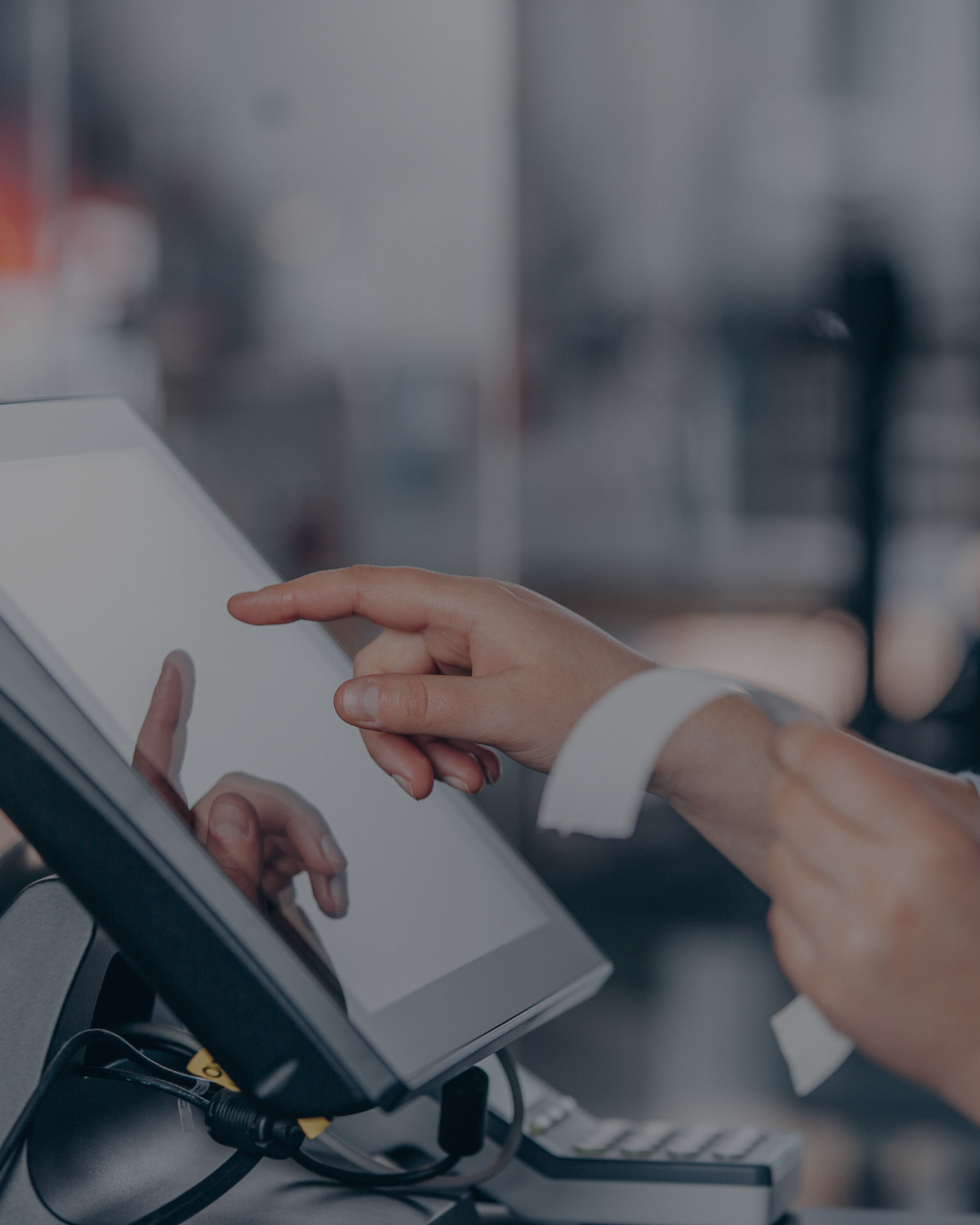
One of the most visible benefits of POS services is the simplified checkout process. When a customer reaches the point of purchase, they expect a quick and easy transaction. POS services reduce wait times by automating transaction recording and offering flexible payment acceptance, including credit, debit, and mobile wallets. These improvements reduce friction and make payments more convenient.
A smooth checkout process has a direct impact on customer satisfaction. Long lines and payment delays are common reasons shoppers abandon purchases or decide not to return. By minimizing these pain points, POS services help businesses retain customers and increase sales volume.
Moreover, POS systems simplify the process for employees. Automated transaction recording removes tedious manual steps, reducing errors and making work less repetitive. When staff can rely on fast, accurate tools, they have more time to focus on delivering personalized customer service, which further enhances the overall shopping experience.
Providing Flexible Payment Options
The payment landscape is evolving rapidly, and customers expect businesses to keep up. Traditional cash and credit card payments are now joined by digital wallets such as Google Pay and Apple Pay, as well as government assistance programs like EBT. POS services that support a broad range of payment methods help businesses accommodate this diversity, preventing lost sales due to payment incompatibility.
Flexible payment options not only meet customer preferences but also enhance convenience and security. Contactless payments, for example, have become especially popular, offering a fast and hygienic checkout experience. Businesses that adopt such technologies can position themselves as modern and customer-focused.
Offering various payment methods also reduces barriers for different customer segments. Whether shoppers prefer to pay with a smartphone, a card, or specialized programs, a POS system that can process multiple options signals readiness and inclusivity. This flexibility builds customer confidence and contributes positively to brand reputation.
Leveraging Real-Time Data for Smarter Decisions
One of the strongest advantages of POS services is the ability to record and update sales data in real time. Every transaction is logged digitally, capturing essential details like items sold, quantities, prices, and payment methods. This immediate access to accurate data enables business owners and managers to make timely, informed decisions.
For example, real-time data can reveal which products are selling well and which are underperforming. Businesses can use these insights to adjust inventory purchases, discontinue slow-moving items, or promote popular products. Accurate stock levels also prevent costly issues such as running out of popular products or overstocking items that don’t sell.
POS data also provides valuable insight into customer behavior. Patterns such as frequently purchased items or preferred payment methods can inform marketing campaigns and loyalty initiatives. Targeted promotions based on actual sales data are more effective and often yield higher conversion rates. Overall, the analytical power of POS services turns sales data into a dynamic tool that supports continuous business improvement.
Unifying In-Store and Online Shopping Experiences
As retail continues to evolve, customers expect seamless experiences regardless of where they shop. According to market.us, 44% of retailers are prioritizing efforts to unify their mobile POS platforms with e-commerce systems to meet this expectation. POS services that integrate with online platforms help businesses provide consistent service across all sales channels. Unified systems allow customers to buy online and pick up in-store, return products purchased online at physical locations, and enjoy loyalty rewards that apply everywhere. This convenience enhances satisfaction and fosters brand loyalty.
At a business level, integration simplifies operations by centralizing inventory and sales data. This reduces errors and duplication of effort while enabling better inventory visibility across channels. Retailers can more easily manage stock levels, pricing, and promotions with one unified system. Offering a cohesive experience encourages customers to interact more frequently and through multiple channels, increasing sales opportunities and strengthening customer relationships.
Supporting Loyalty Programs and Targeted Marketing
Loyalty programs are a proven method for encouraging repeat business, and POS services provide the tools to manage these programs effectively. By automatically tracking purchases and rewards, POS systems simplify the process for both customers and employees. Customers appreciate loyalty programs that are easy to use and offer meaningful benefits. POS services help businesses design and implement such programs, tracking points or rewards, and ensuring seamless redemption. This convenience increases program participation and customer engagement.
Beyond loyalty, the data captured by POS services allows businesses to create targeted marketing campaigns. Segmenting customers based on purchase history or shopping frequency enables personalized offers that resonate more strongly than generic promotions. Targeted marketing typically results in higher response rates and better return on investment. By combining loyalty programs with data-driven marketing, businesses can foster deeper connections with customers, encourage more frequent visits, and increase overall sales.
Scalability and Adaptability for Growing Businesses
Growing businesses face the challenge of maintaining consistent operations and customer experiences across multiple locations. POS services that support multi-site management offer centralized control over sales, inventory, and customer data, making expansion smoother and more manageable. Scalable POS solutions adapt to the unique needs of different business sizes and types. Whether a single retail store, a restaurant chain, or a business with both physical and online operations, these systems provide flexibility to grow without sacrificing operational efficiency.
Having a POS service that evolves with your business ensures that you can maintain high service levels and meet customer expectations at every stage of growth. Centralized reporting and management reduce administrative complexity and support strategic planning.
By streamlining checkout, providing real-time insights, and unifying sales channels, POS services play a vital role in improving customer experience and boosting sales. They offer businesses the flexibility and data needed to meet evolving customer expectations while simplifying daily operations. When implemented effectively, POS solutions can help foster loyalty, increase revenue, and support sustainable growth.
If you’re ready to upgrade your system and unlock new potential, we can help. Contact LPA Retail Systems today to learn more about our POS services. Together, we'll explore the right solutions to help elevate your business.



Share On: